If you have ever searched an app store for a practical mobile assistant, you already know the first shiny result is rarely the right fit compared to tools like Messenger Bot. The mobile marketplace is full of useful tools, rushed clones, ad-heavy wrappers, and subscription traps wearing very similar robot costumes. You might start out looking for a quick way to draft an email and end up with an app that drains your battery, asks for strange permissions, and nudges you toward a weekly payment plan. This guide gives you a practical filter for choosing an AI helper without downloading digital clutter.
At Robotic Potato, we like technology best when it solves a real problem without making the user babysit it. AI chatbots can help with writing, coding, planning, translation, and brainstorming, but the install button should not be treated like a magic portal. Before adding another app to your phone, look at the developer, the privacy label, the core task, and the device permissions. A little friction before installation can save a lot of cleanup later.
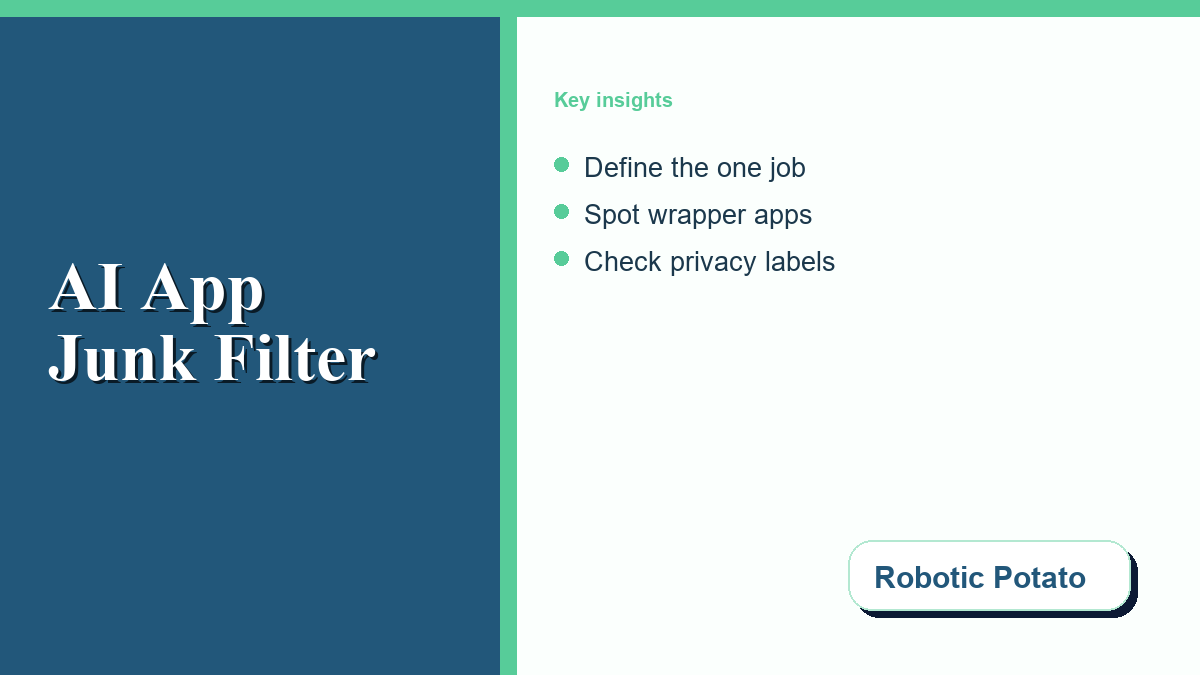
Define the One Job the App Needs to Do
Start by deciding what job you are hiring the chatbot to perform. AI assistants are not equally useful for every task. A student summarizing class notes needs a different workflow than a creator drafting captions, a hobby coder debugging JavaScript, or a small team preparing customer-service replies. If you do not define the job first, the app store will define it for you with screenshots, badges, and vague promises.
For quick general questions, a browser-based assistant may be enough. For repeated mobile use, a native app can make sense if it offers voice input, image upload, file handling, widgets, or reliable notifications. For business work, the important question is not whether the app sounds advanced; it is whether it handles your prompts, files, and account data in a way that fits the sensitivity of the task. A simple shopping-list prompt is low risk. A prompt containing private client notes, unreleased code, or employee information deserves a much stricter tool.
Spot Junk-App Signals Before Installing
Many low-quality AI apps are wrappers: third-party interfaces that connect to another company’s model while adding ads, subscriptions, or unnecessary features. Some wrappers are legitimate. Others exist mainly to capture search traffic and charge users for access they could get elsewhere with fewer layers. The trick is learning to spot the difference before the app lands on your phone.
Look for warning signs in the listing. Be careful with apps that push a free trial before you can test a basic prompt, use dozens of near-identical screenshots, make broad money-making claims, or hide the developer’s identity. Check the developer’s other apps. If the same publisher has released unrelated calculators, flashlight tools, wallpaper packs, and AI assistants under a generic name, that does not prove danger, but it does deserve caution. Also scan recent reviews for billing complaints, impossible cancellation stories, or repeated one-line praise that sounds copied.
Check App-Store Privacy and Data-Safety Labels
Your chatbot conversations can include personal plans, work details, creative drafts, contacts, or private questions. Before installation, use the privacy information the app stores already provide. Apple’s App Store privacy details explain how developers disclose data collection practices, and Google’s Google Play Data safety section explains where users can review what an app says it collects and shares.
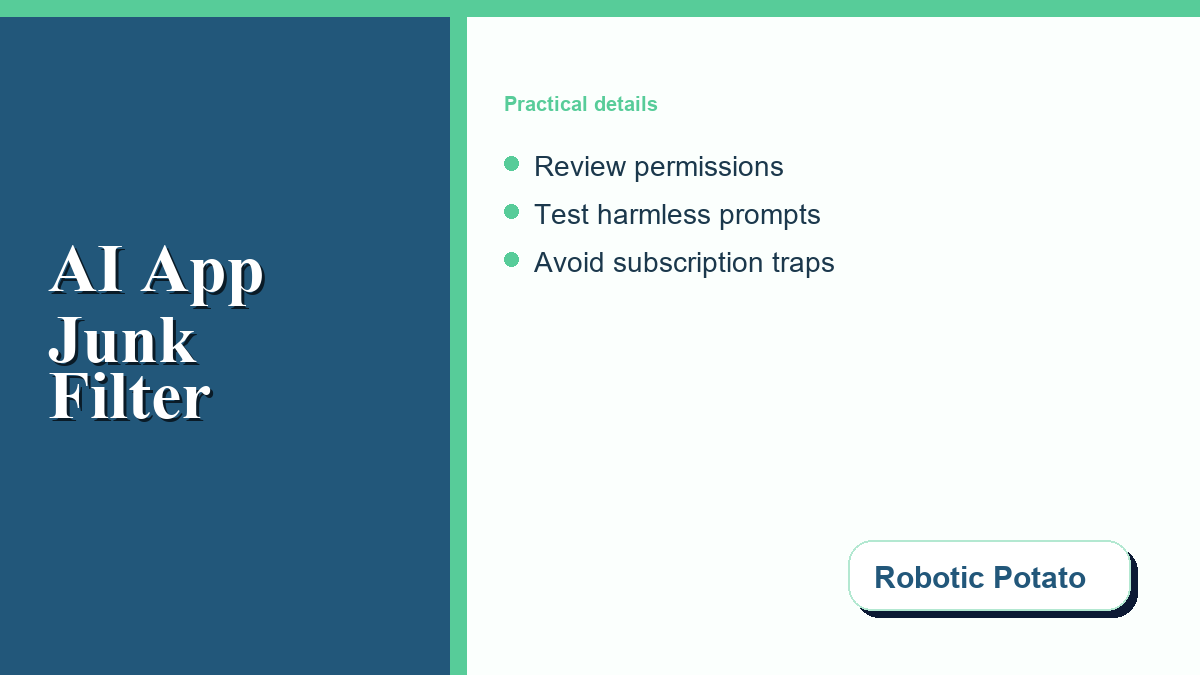
For AI tools, pay special attention to account data, user content, diagnostics, location, contacts, microphone access, photo access, and files. A standard text assistant should not need your contacts or precise GPS location to answer a writing question. Camera or microphone access may be useful for voice or image features, but grant those permissions only when the feature makes sense for your task.
Also check the provider’s own data controls. OpenAI explains consumer-service data handling in its ChatGPT data-use FAQ. Google’s Gemini Apps Privacy Hub covers Gemini activity and related controls. Microsoft provides Copilot privacy controls for account-level privacy settings. Read these pages before assuming a free app handles prompts the way you expect.
Compare the Main App Types
Not every chatbot app is trying to solve the same problem. Some are official assistants from major AI providers. Some are productivity copilots tied to documents, email, or browser workflows. Some are niche bots built for entertainment, roleplay, language practice, or habit tracking. Others are thin wrappers with a familiar chat box and little else.
| App Type | Useful When | Main Risk | What to Check |
|---|---|---|---|
| Official AI Assistant | You want direct access to a known provider’s features. | You may still need to adjust data and history settings. | Provider privacy controls, model limits, and account settings. |
| Third-Party Wrapper | You like a custom interface, widget, or workflow shortcut. | The developer adds another privacy and billing layer. | Developer reputation, subscription terms, and data handling. |
| Productivity Copilot | You work inside documents, email, spreadsheets, or browsers. | Connected files may expose more context than expected. | Connected-account permissions and admin controls. |
| Niche Bot | You want entertainment, language practice, or a narrow task. | Quality varies widely, and privacy policies can be thin. | Recent reviews, clear limits, and permissions requested. |
This table is not a ranking. It is a sorting tool. The safest option for one person may be annoying for another. A writer may value long-form drafting, while a developer may care more about code formatting and context handling. The useful question is not “Which app is best?” It is “Which app performs this one job with the least unnecessary data exposure?”
Use a Safe Install Checklist
Before installing a new AI assistant, run a quick checklist. It turns the process from app-store roulette into a small security review.
- Verify the developer: Confirm the publisher name matches the product you intended to install.
- Read the privacy label: Look for user content, location, contacts, photos, and data linked to identity.
- Check the price flow: Avoid apps that require payment details before a meaningful test.
- Start with harmless prompts: Test speed, accuracy, tone, and formatting with non-sensitive examples.
- Review permissions after setup: Turn off access that does not support a feature you actually use.
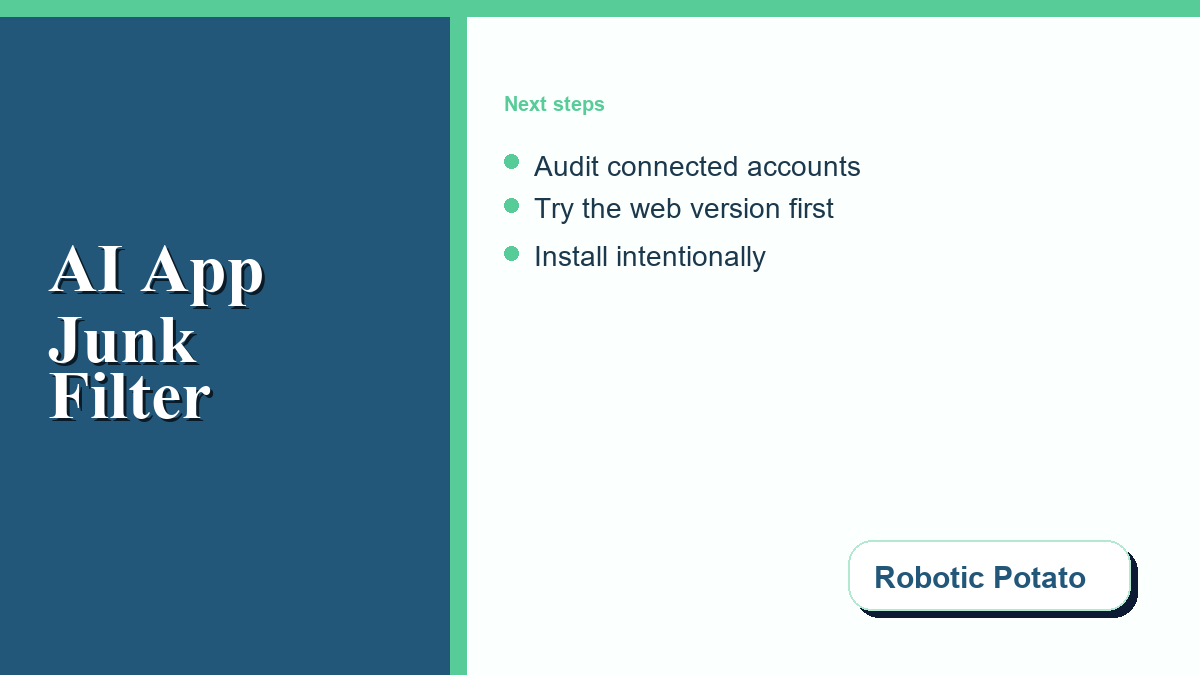
- Audit connected accounts: Remove file, email, calendar, or storage integrations you no longer need.
When the Web Version Is Smarter Than Another App
Sometimes the smartest app choice is not installing another app. Most major AI services have mobile-friendly web interfaces, and a browser shortcut can work well for occasional use. A web version may reduce device permissions, avoid background activity, and make it easier to use browser privacy controls. It also lets you test whether the assistant is actually useful before adding another native app to your phone.
Native apps still have their place. They can be better for voice input, camera-based questions, mobile notifications, or fast access while traveling. The point is to choose intentionally. If you need quick voice help every day, install a reputable app and configure permissions carefully. If you only ask a chatbot three questions a week, a web bookmark may be cleaner. For more practical software checks and gadget-minded tech guidance, keep an eye on the Robotic Potato blog.
Frequently Asked Questions
How can I tell if an AI chatbot app is safe to install?
Start with the developer name, app-store privacy label, recent reviews, requested permissions, and billing flow. A safe-looking app should explain what it does and what data it collects.
What permissions should a basic chatbot app need?
A basic text chatbot mainly needs internet access. Microphone, camera, photos, location, contacts, and files should be optional and tied to features you choose to use.
Are third-party chatbot wrappers bad?
Not automatically. Some wrappers provide helpful interfaces, but they add another company between you and the AI provider. Review the developer, privacy policy, and subscription terms carefully.
Should I put private work data into a free chatbot app?
Use caution. Review data controls, training settings, retention terms, and workplace rules before entering confidential, client, code, legal, financial, or personal information.
Can I use AI chatbots on mobile without installing an app?
Yes. A mobile browser version or home-screen shortcut can be enough for occasional use and may require fewer device permissions than a native app.



0 Comments