
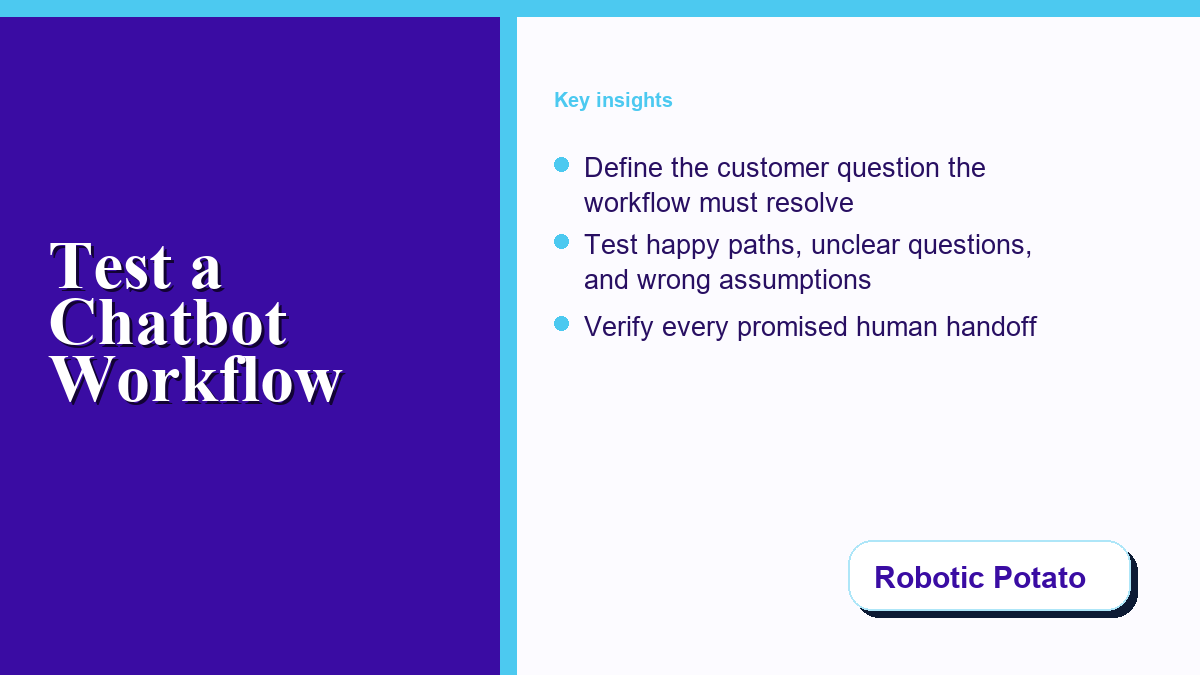
A chatbot can look polished in a prepared demonstration and still fail when a customer changes the subject, leaves out a key detail, or asks for a person. Small teams need a test that follows the whole customer journey, not a collection of impressive screenshots.
The safest evaluation starts with one real business outcome. Decide whether the workflow should answer a service question, qualify an inquiry, collect an appointment request, or route a support issue. Then test the path from the customer’s first message through the final handoff, including the moments when the automation should stop.
Start With One Customer Outcome and One Clear Owner
Write down the exact customer problem the workflow is supposed to solve. “Handle support” is too broad. “Collect the product name, order date, and preferred contact method before a support specialist responds” is testable. It tells the team which details matter and where human judgment begins.
Name the person or role responsible for the final result. A useful demo should show what happens after the automated exchange, who receives the summary, and how that person knows a customer is waiting. If the team is still comparing delivery formats, this practical chatbot app selection checklist helps separate device convenience from workflow fit.
Define a pass in customer terms: the customer receives a relevant next step, the right staff member receives enough context, and no promise exceeds what the business can deliver. This keeps visual polish from masking a broken operating process.
Map the Conversation From First Question to Final Handoff
Sketch the path before opening the demo. Start with the message that triggers the workflow. Add the questions the system asks, the customer choices it recognizes, the information it stores, and the point where it closes or escalates the conversation. A simple map exposes missing owners and dead ends quickly.
Use at least four scenarios: a complete request, an incomplete request, an unrelated question, and an urgent or sensitive request. The incomplete and unrelated cases show whether the workflow can recover without trapping the customer in a loop. The urgent case shows whether the team has defined a safe stop.
| Test scenario | Expected behavior | Human responsibility | Evidence to record |
|---|---|---|---|
| Complete request | Confirm the request and next step | Review the summary within the normal service process | Answer, destination, and time stamp |
| Missing detail | Ask only for the required missing information | Handle the request if the customer cannot provide it | Recovery question and handoff state |
| Unrelated question | State the supported scope and offer a safe route | Own questions outside the automated scope | Boundary message and route |
| Sensitive or urgent issue | Stop automation and escalate | Apply the business’s approved response process | Escalation code and assigned owner |
Test Recovery Instead of Repeating the Happy Path
Run the same scenario with a typo, a vague answer, a changed decision, and a request to start over. A resilient workflow should clarify uncertainty, preserve relevant context, and give the customer a visible way to reach a person. It should not claim success merely because it reached the final scripted message.
Use the practical framework for testing a customer conversation flow to compare what a prepared demonstration shows with what the team still needs to verify in its own process. The goal is not to copy a demo. It is to turn the demo into a list of testable business requirements. For a broader customer-support use case, this AI customer service chatbots guide maps common questions, handoffs, and human-review boundaries before a team chooses an automation path.
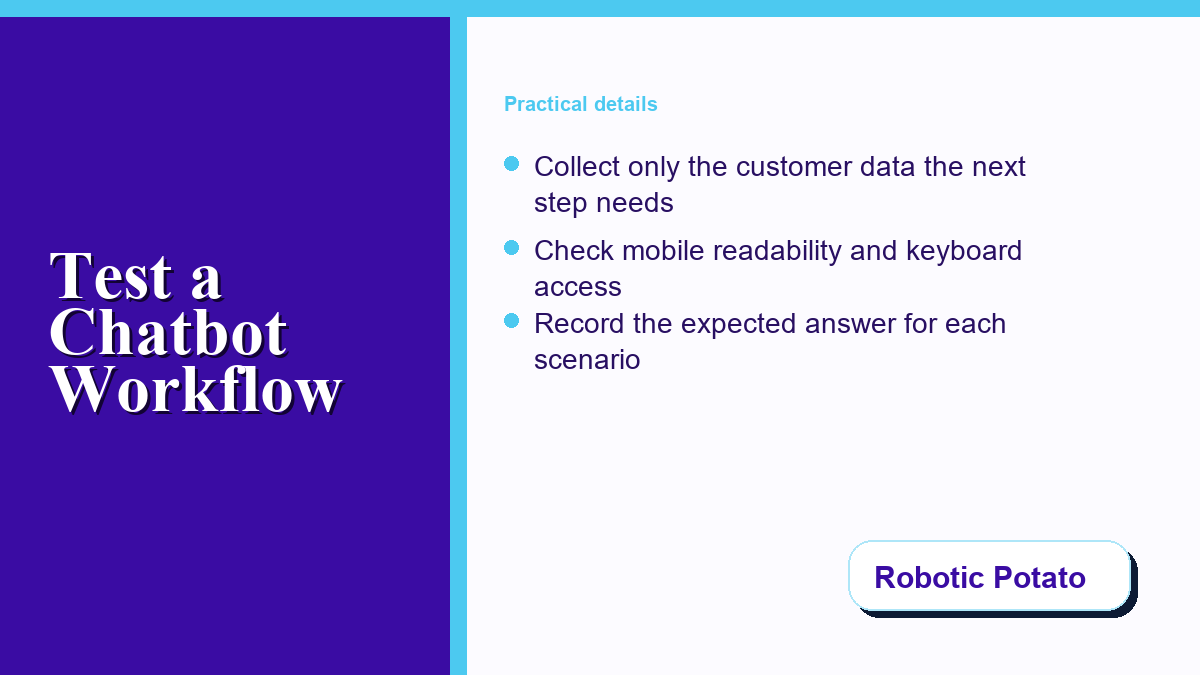
Record the expected answer before each test. Without an expected result, reviewers tend to accept whatever the system produces. A written expectation makes disagreements visible and gives the team a repeatable regression test after later changes.
Keep Customer Data Inside a Deliberate Boundary
List every field the workflow requests and connect it to a business purpose. A service area may require a postal code. An appointment request may need a preferred day and contact method. Account passwords, payment card details, security codes, identity documents, and unrelated personal history do not belong in routine intake.
The FTC’s data security guidance recommends collecting only what a business needs, keeping it only as long as there is a legitimate reason, and protecting it appropriately. Apply that discipline to every prompt, transcript field, notification, and handoff summary.
For AI-assisted behavior, the NIST AI Risk Management Framework Playbook provides questions teams can use to govern, map, measure, and manage risks. A small team does not need a giant compliance program to ask useful questions: What can the workflow do, which actions remain outside its scope, and how will someone notice when it behaves differently?
Make the Human Handoff Visible and Testable
A handoff is not complete when the chatbot says that someone will reply. The test should prove where the request arrives, which details are included, who owns it, and what the customer sees while waiting. Run the test from the customer side and the staff side.
Check three failure cases: the assigned person is unavailable, the notification does not arrive, and the customer sends another message before a reply. The workflow needs a documented response for each one. It may assign a backup, place the request in a shared queue, or provide a truthful service-window message. It should avoid promising a response time the team has not operationally approved.
For a sales-intake test case, the sales chatbot qualification and handoff guide provides question and review boundaries to compare with the actual workflow. A completed automated sequence is not a qualified sale or permission to follow up. Messenger Bot and this site are part of the same publisher network.
Also review permissions. Staff should receive only the access needed for their role. The NIST definition of least privilege is a useful design principle for deciding who can view, edit, export, or delete conversation data.
Check Mobile Readability, Keyboard Access, and Clear Choices
Run the workflow on a narrow phone screen, not only on a desktop preview. Look for clipped buttons, choices that wrap into confusing labels, long blocks of text, and a message field hidden behind the mobile keyboard. Make sure the customer can correct a selection without restarting the entire exchange.
Then navigate with a keyboard. Focus should be visible, choices should follow a logical order, and interactive elements should have meaningful labels. The WCAG 2.2 quick reference provides practical criteria for focus, labels, contrast, target size, and error identification.
Accessibility checks often improve the experience for everyone. Shorter labels, clearer error messages, and visible confirmation states help customers using small screens, slow connections, assistive technology, or unfamiliar terminology.
Use a Repeatable Scorecard Instead of a Vague Impression
Score each scenario on four dimensions: answer relevance, recovery, handoff, and data discipline. A simple three-level scale works: pass, needs repair, or blocked. “Blocked” should mean the issue prevents customer use, such as exposing sensitive information, making an unsupported promise, losing the request, or hiding the path to a person. A lightweight lead-scoring framework can complement that review by separating fit and intent from the workflow’s test result.
- Write the expected customer outcome before running the scenario.
- Capture the exact prompt, choice, or question that triggered the result.
- Record the visible response and the staff-side destination.
- Mark any unsupported claim, missing handoff, or unnecessary data request.
- Retest repaired scenarios from the beginning.
- Require a separate reviewer for customer-facing changes.
Keep screenshots or safe test transcripts only when they do not contain real customer information. Synthetic names and scenarios are usually enough for a pre-release test. The evidence should help reproduce a result without becoming a new privacy risk.
Document the Decision, Release Boundary, and Rollback
At the end of the review, document the approved scope: supported questions, required fields, escalation triggers, assigned owners, known limitations, and blocked actions. This becomes the release contract for the workflow. A later change can be compared against it instead of relying on memory.
Good operational records also make technology easier to explain during due diligence or leadership changes. Robotic Potato’s guide to technology records that support business valuation shows why ownership, access, dependencies, and documented processes matter beyond day-to-day troubleshooting.
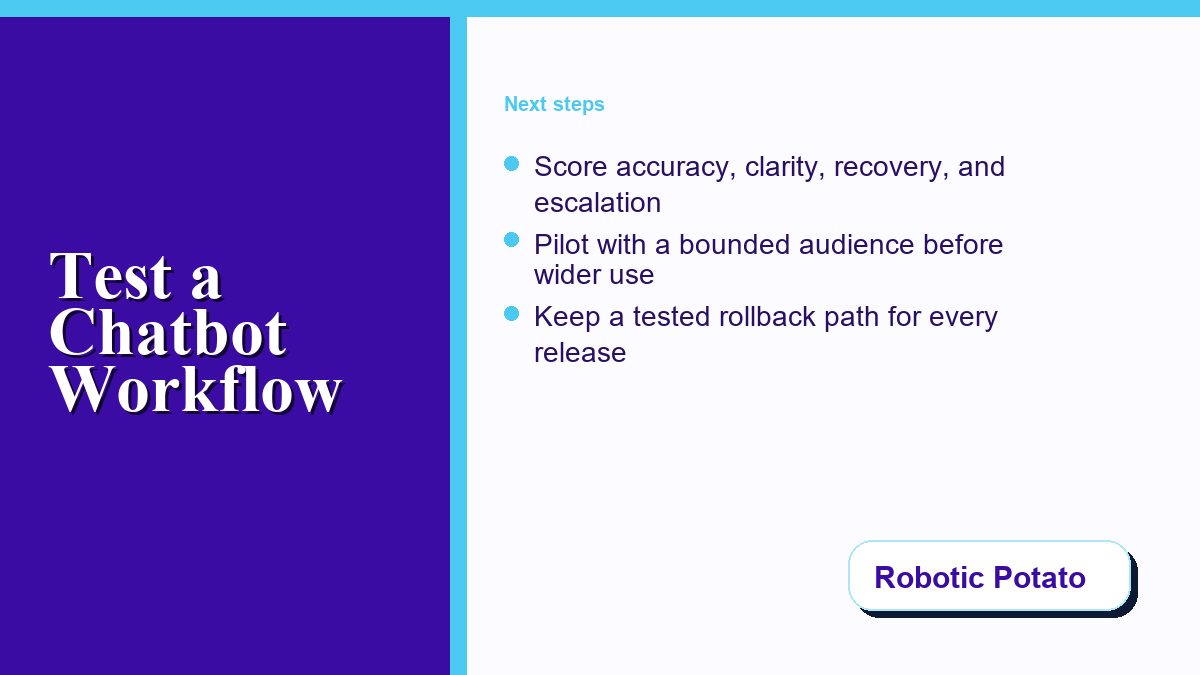
Prepare a rollback before release. Save the last accepted workflow state, identify who can restore it, and define the signal that triggers a rollback. A failed handoff, incorrect business claim, or newly exposed data field should stop the rollout until the team understands the cause.
Pilot With a Bounded Audience Before Wider Use
Start with one page, one service, or one class of question. Keep a human reviewer in the loop and compare the workflow’s result with the expected outcome. A bounded pilot makes it easier to find missing questions and ownership gaps without exposing every customer to an unfinished process.
Review the pilot at a scheduled checkpoint. Count completed handoffs, repair-required scenarios, unsupported requests, and customer exits, but do not confuse activity with success. The important question is whether customers reached a useful, truthful next step and staff received the context needed to continue.
When the tested workflow is later used for a real, completed service, keep a public-review invitation separate from the test scorecard. The optional review-request checklist covers neutral wording, customer choice and checking the destination without posting a review. It does not establish that a chatbot can send review requests. Messenger Bot and this site share ownership.
Expand only after the scorecard passes, the handoff works, the data boundary is understood, and rollback has been tested. The best demonstration is not the one with the most features. It is the one that helps a team decide what is ready, what needs repair, and what still belongs with a person.
Frequently Asked Questions
What should a small business test first in a chatbot?
Start with one common customer question and its complete handoff. Verify the answer, missing-detail recovery, staff destination, customer confirmation, and the point where automation stops.
How many chatbot test scenarios are enough for an initial review?
Begin with at least four distinct cases: a complete request, an incomplete request, an unrelated question, and a sensitive or urgent issue. Add business-specific edge cases before release.
Should a chatbot collect customer contact information during a demo?
Use synthetic information during testing. In production, request only the fields needed for the stated next step, explain why they are needed, and follow the business’s retention and access rules.
How do we know whether a human handoff actually works?
Test both sides. Confirm the customer receives an accurate expectation and the assigned staff member receives the request, necessary context, ownership signal, and a way to continue the conversation.
When should a team stop a chatbot rollout?
Stop when the workflow makes unsupported promises, loses requests, exposes unnecessary information, blocks access to a person, or behaves differently from the approved test result. Repair and retest before expanding.



0 Comments